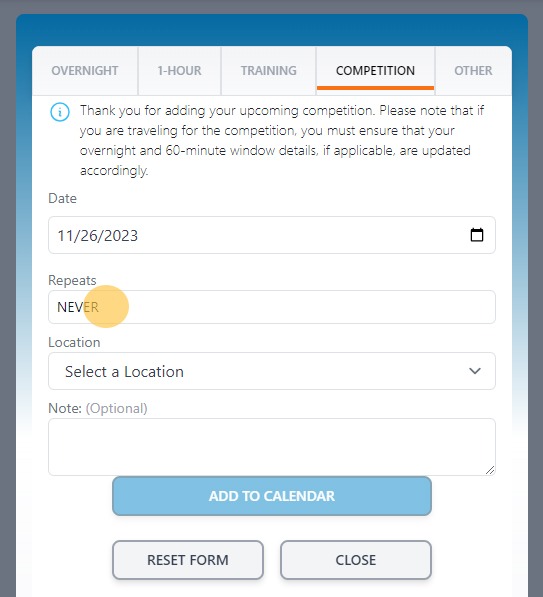
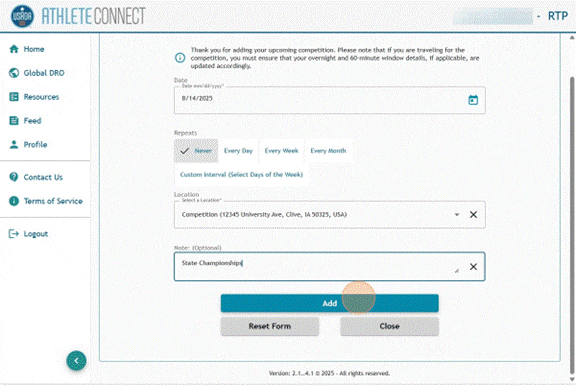
This guide provides step-by-step instructions on how to add a competition entry in Athlete Connect. By following these instructions, users will be able to easily navigate the platform and add necessary details for their upcoming competition, including dates, location, and additional notes.
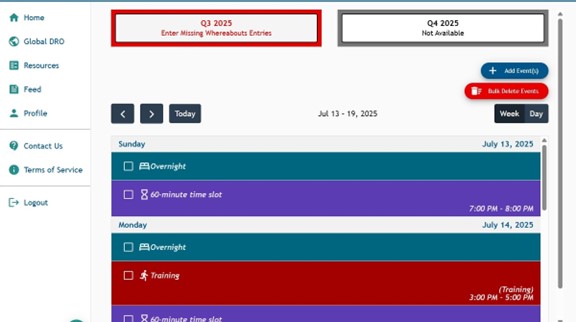
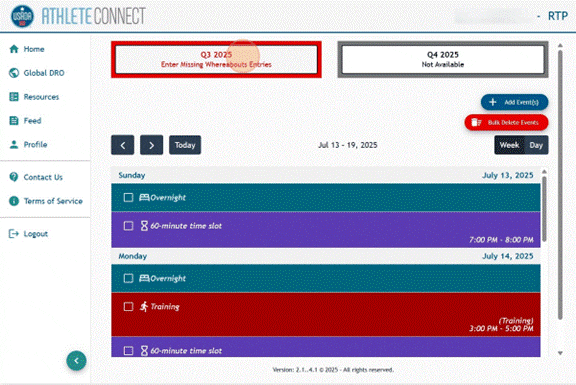
1. Log into Athlete Connect and navigate to the Home screen.
2. Click the buttom for the relevant quarter.
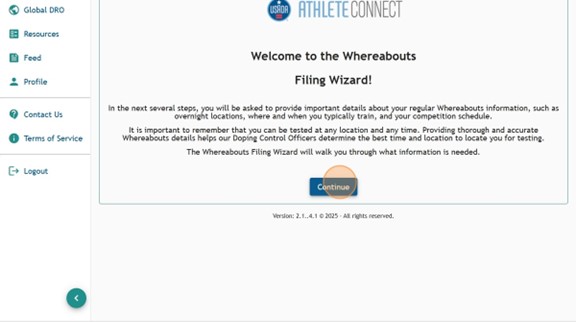
3. Read through the Welcome message and click Continue.
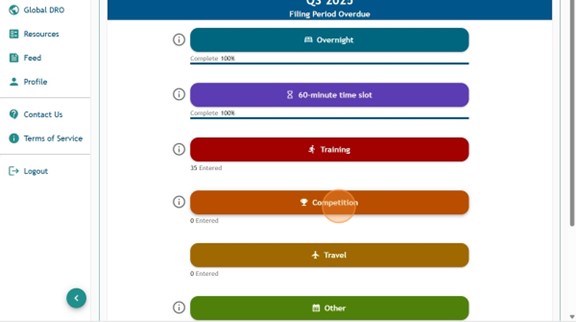
4. Click the Competition tab.
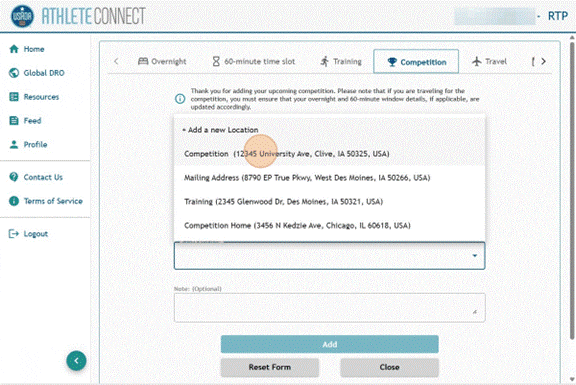
5. Choose the start date that you would like the Competition entry to apply to.
6. Select a Location from the dropdown or add a new location.
7. Input the name of the Competition in the “Note” field.
8. Click “Add.”